Job search tools for software engineers, compared
Job search tools for software engineers fall into four categories, from trackers and ATS scanners to auto-apply bots and candidate agents. Which fits you?
 Prepin Founder6 min read
In short
Job search tools for software engineers split into four categories: application trackers, resume and ATS scanners, auto-apply bots, and candidate agents. Trackers organize, scanners score keywords, bots chase volume. A candidate agent like Prepin builds a profile from one conversation, surfaces a few strong-fit roles, and sends an introduction only after you approve it.
Most job search tools for software engineers do one of four jobs. Track applications, score your resume against a parser, fire off mass applications, or match you and broker introductions.
Prepin is the fourth kind, and nothing goes out until you approve it.
Four categories, four different problems. Buying the wrong one is easy, because volume tools are loud and matching is quiet work. A shortlist you'd take a call about beats a submission counter.
What do job search tools for software engineers actually do?
They split into four groups, and only one of them is responsible for putting a role in front of you that you hadn't already found.
- Application trackers keep a board of every role you applied to and what stage it's at. Good hygiene, zero sourcing.
- Resume and ATS scanners compare your resume against one job description and return a match score. An applicant tracking system (ATS) is software employers use to store and filter applications, so the score is a guess at how that filter reads you.
- Auto-apply bots submit your resume to a lot of postings on your behalf. Volume is the product.
- Candidate agents match you to roles and handle introductions. A candidate agent is a tool that works for the candidate: it builds a profile, finds fits, and asks permission before anyone at a company hears your name.
If you want the longer version of that fourth row, we wrote a breakdown of the agent model already.
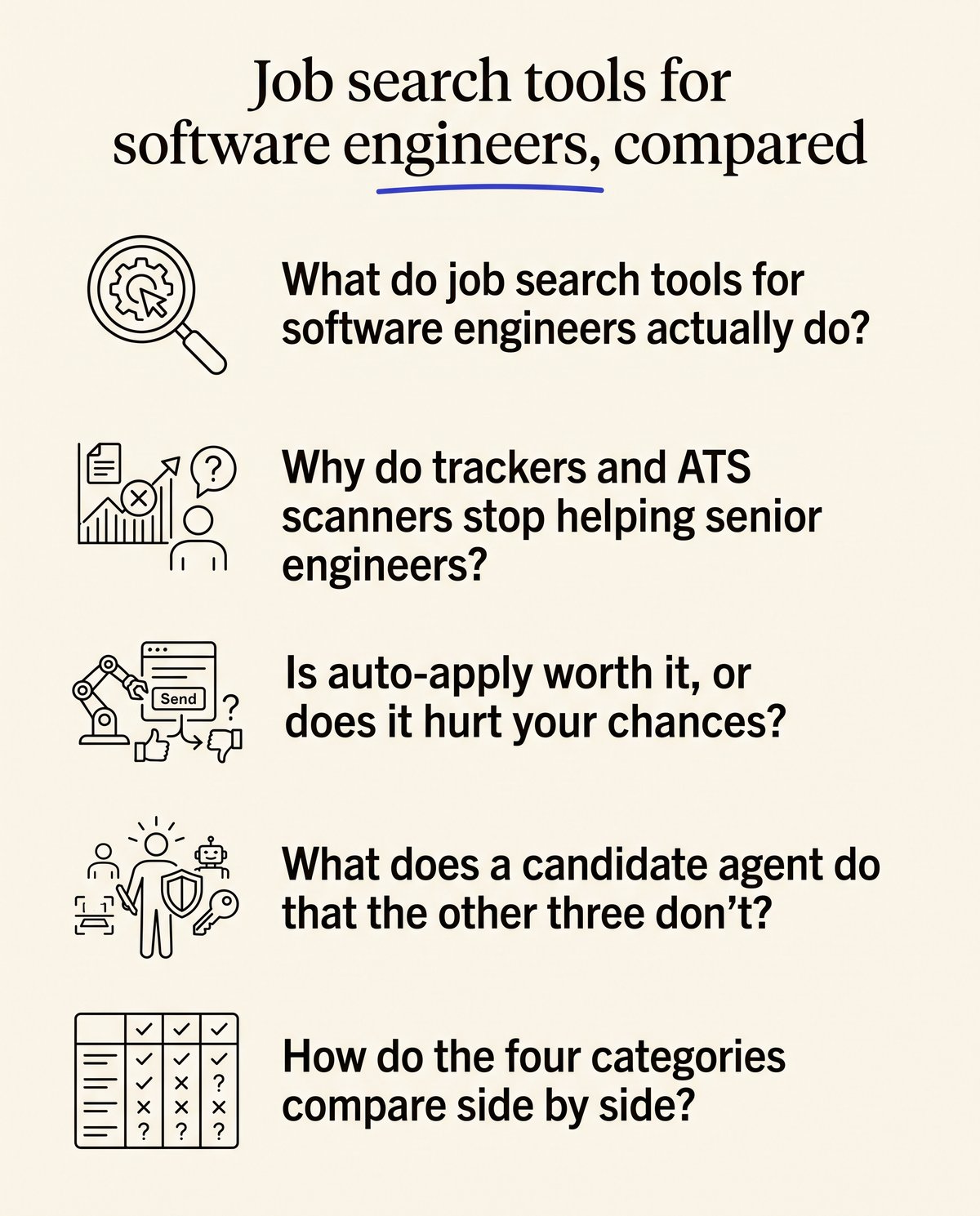
Why do trackers and ATS scanners stop helping senior engineers?
Both of them improve the paperwork after you've found the role, and finding the role is the actual bottleneck for a senior backend, platform or ML engineer. A tracker can't tell you a team is hiring for the exact storage migration you ran. A keyword score can't either. They're maintenance tools wearing a search-tool label.
Scanners also push you toward the vocabulary of a single posting. That's useful for clearing a filter early in a career. It does much less once a hire turns on scope, judgment and what you owned end to end, which is the split we walk through in matching agent or ATS score.
Is auto-apply worth it, or does it hurt your chances?
It buys volume and spends your signal. Auto-apply is software that submits your application to postings automatically, usually without a human reading each posting first. Two hundred submissions from one account look exactly like what they are.
The bigger cost is the veto. Your profile shows up at companies you'd never join, at an ex-employer, at the recruiting team inside your current company. Prepin doesn't do it. As the site puts it: "It never auto-applies or sends your profile without your permission."
What does a candidate agent do that the other three don't?
It does the sourcing and the outreach, then stops and waits for you. One voice conversation about goals, strengths and dealbreakers becomes a living profile. No forms, no resume parsing as the only input.
| What Prepin does | Detail |
|---|---|
| Profile sources | LinkedIn, resume and one voice conversation, combined into a single structured candidate profile |
| Workflows | Best-fit role matches, recruiter outreach, interview practice |
| Best use | Finding 3 to 5 strong fits rather than hundreds of applications |
| Introductions | No auto-apply, no mass submissions; you approve each one before it goes out |
| Search setup | Location mode (remote, hybrid, onsite, specific cities) and a compensation minimum |
| Interview practice | Coding, system design and behavioral rounds |
Skill checks and assessment evidence sit next to the profile, so a recruiter reads proof instead of adjectives. Three sources in, three workflows out. Prepin also runs a weakness review on your profile before recruiters see it, which is the part most people skip. Who's actually driving the search matters more than the feature list, and we compared two answers to that in who runs your search.
How do the four categories compare side by side?
Each one optimizes a different number, which is why stacking two of them often makes more sense than arguing about which is best.
| Tool type | What it optimizes | Who takes the action | Best for |
|---|---|---|---|
| Application tracker | Organization of roles you already found | You | Keeping a wide search from getting lost |
| Resume or ATS scanner | Keyword overlap with one posting | You | Tightening a resume before you send it |
| Auto-apply bot | Submissions per week | The software | Volume searches where reply rate barely matters |
| Recruiter or agency | Roles on that recruiter's current req list | The recruiter | Whatever they happen to be filling this quarter |
| Candidate agent (Prepin) | Fit between your real work and open roles | You approve, the agent sends | A short list of strong fits with an approval gate |
Job boards sit outside this table because they're inventory, not tooling, and the tradeoff there is covered in boards versus matching.
What should you set up before any tool is useful?
Decide two things first. Your location mode and your compensation floor. Location mode is a search setting that records whether you want remote, hybrid, onsite or named cities. A compensation floor is a minimum you set once so anything below it never reaches your inbox.
Prepin's search setup asks for both, then the inbox shows matched roles with company, location and the posted compensation range so you can judge each one in a few seconds. Most of the engineers this is built for target $150K+ and remote or hybrid. Set the floor honestly. A floor you're embarrassed by is a floor that wastes your evenings.
It also helps to know who's hiring at all before you tune the numbers, which is why we publish a monthly read on engineering hiring.
How do you run a quiet search while you're still employed?
Use a tool where nothing leaves without your approval, because a quiet search dies the moment your profile circulates. Prepin never sends your profile to an employer without permission, and every introduction waits on your yes. Decline one and it doesn't go out.
That's the whole difference between an agent and a bot for anyone currently employed. A bot optimizes for reach. An agent optimizes for the four or five conversations you'd genuinely take, then goes out by email once you've approved the intro.
What do you use once a loop is actually booked?
Practice the three round types you'll face: coding, system design and behavioral. Prepin's interview practice covers all three, and it sits in the same place as your profile and your matches, so the prep lines up with the role you approved rather than a generic question bank.
Do the system design round out loud at least once before the real one. Reading about consistent hashing and explaining a tradeoff to a stranger under time pressure are separate skills, and the second one is what gets graded. The same goes for the behavioral round, where the failure mode is usually a story with no numbers in it.
If you'd rather review three roles a week than fire off three hundred applications, start the conversation at prepin.ai and set your location mode and compensation minimum before the first match arrives. Job search is broken. Prepin flips it.
Frequently asked questions
- Can I keep using an application tracker alongside a candidate agent?
- Yes, and plenty of engineers do. A tracker records the roles you found and applied to yourself, while the agent handles sourcing, matching and introductions. They don't overlap much. If you're running your own outbound alongside approved introductions, keeping one board of stages is still worth the five minutes a week it costs you.
- What happens after I approve an employer introduction?
- The introduction goes out by email to the recruiter or employer for that specific role. Nothing else moves. Approving one company doesn't open your profile to others, and declining a match means that employer never receives it. The approval is per introduction, so your reach stays exactly as wide as you decided it should be.
- What should a machine learning platform engineer profile show to stand out?
- Systems you owned, the constraints you worked under, and evidence a recruiter can verify without taking your word for it. Prepin builds this from one voice conversation about goals, strengths and dealbreakers, then combines it with your LinkedIn and resume. Skill checks and assessment evidence sit alongside the profile instead of a list of tools you once touched.
- How do I find out what's weak in my profile before a recruiter reads it?
- Run a weakness review first. Prepin checks the profile before recruiters see it and flags the parts that read thin, which is usually ownership that's implied instead of stated or a gap with no explanation attached. Fixing those before any introduction goes out costs one sitting and changes the first impression.
Keep reading
Prepin vs Careerflow: who runs your search?
Prepin vs Careerflow: one organizes a search you still run, the other surfaces the few roles that fit and waits for your approval before any intro goes out.
· 5 min read
Passive job search for senior engineers, no noise
A passive job search for senior engineers should be quiet: set a pay floor and location once, review a few matches, and approve every intro yourself on Prepin.
· 5 min read
Why it's getting harder to apply for jobs in 2026
It's getting harder to apply for jobs because employers now add friction on purpose. Here's what changed, and why Prepin's few approved introductions win.
· 7 min read
AI mock interview practice vs peer mocks vs coaches
AI mock interview practice wins on reps and availability for coding, system design and behavioral rounds. See where peers and coaches still fit in your prep.
· 6 min read