Passive job search for senior engineers, no noise
A passive job search for senior engineers should be quiet: set a pay floor and location once, review a few matches, and approve every intro yourself on Prepin.
 Prepin Founder5 min read
In short
A passive job search for senior engineers means you stay employed while a short, pre-filtered list comes to you. In Prepin you set a compensation minimum and a location mode once. You review a few weekly matches with posted pay ranges and approve each employer introduction yourself. Nothing is auto-applied or sent without your permission.
A passive job search for senior engineers works when roles arrive pre-filtered and nothing goes out without your yes. In Prepin you set a pay floor and location mode once, and every employer intro waits for your approval.
That's the whole setup. You keep your current job and look at a short list when it suits you. No company learns your name until you decide it should.
What does a passive job search mean for a senior engineer?
A passive job search is a search mode that lets you stay in your current role and engage only with openings that clear a bar you set in advance. For a senior backend, platform or ML engineer, that bar usually covers pay, location and scope. Anything below it shouldn't reach you at all.
Most people treat passive as doing nothing and hoping. Then recruiters with a hunch fill the silence, and most of what they send won't fit. Done well, passive means a filter you set up once and a habit of saying no quickly.
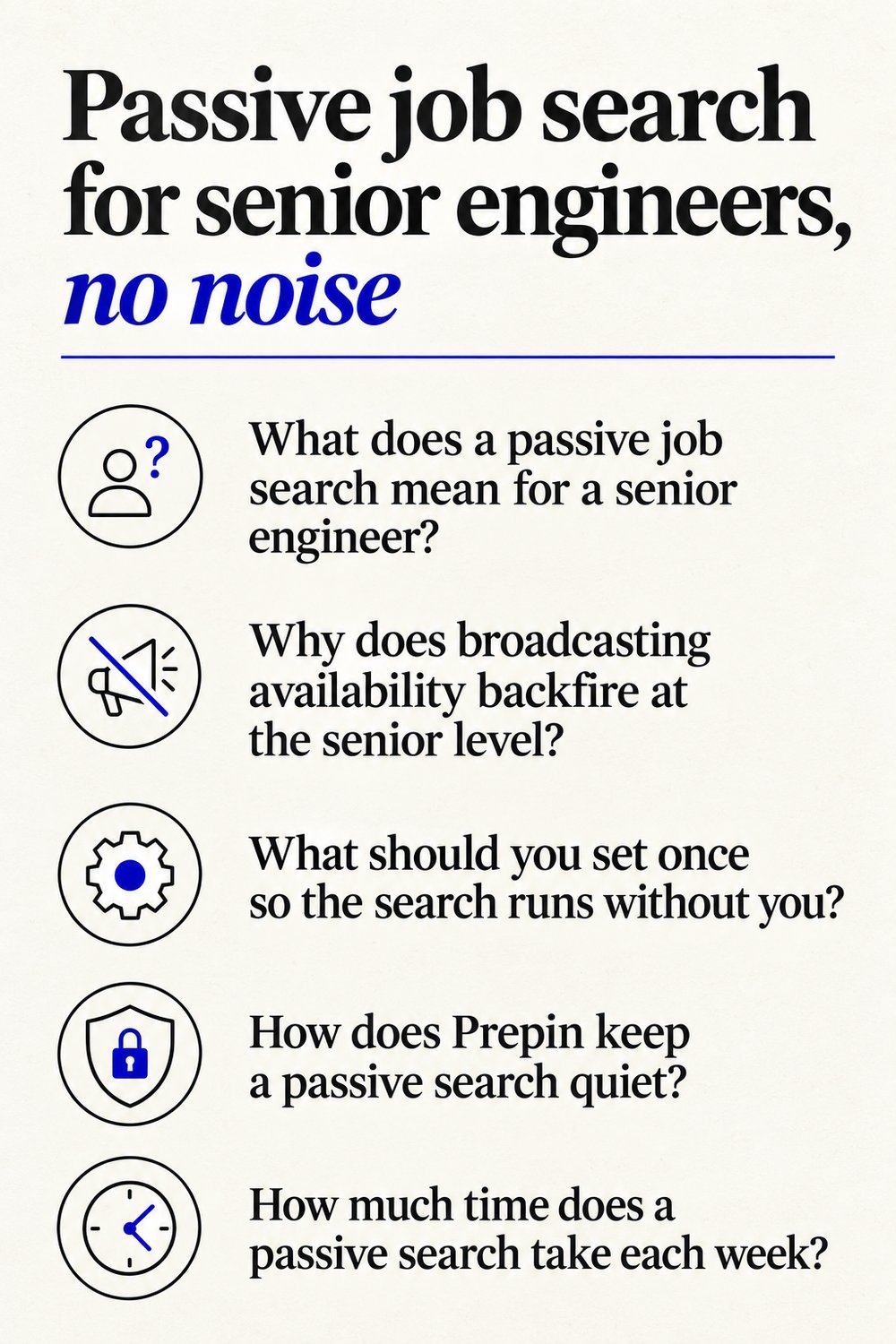
Why does broadcasting availability backfire at the senior level?
Broadcasting your availability gets you volume at the cost of control, and senior candidates need the control more. Once a resume starts moving between recruiters, you can't see where it lands or which reqs it's attached to. You also can't tell whether it reaches someone who knows your manager.
Volume costs you something quieter too. Every mismatched call is an hour spent explaining that you won't relocate or take a pay cut. A handful of those and the search feels like a second job, which is exactly what passive was supposed to avoid.
Scrolling boards doesn't fix it. You still filter by hand, and the platform decides which roles count as relevant. Anyone who followed LinkedIn's move to AI-driven search has seen how fast that can change.
What should you set once so the search runs without you?
Set three things: a compensation minimum, a location mode and your dealbreakers. Those decide what reaches your inbox, so get them right before anything else.
- Your compensation floor. A compensation floor is a minimum pay figure that screens out any role paying less. Prepin asks for a minimum only, so you don't need to spell out a full target range.
- Your location mode: remote, hybrid, onsite or a list of specific cities. Pick the one you'd actually accept.
- Your dealbreakers. These come out of the voice conversation along with your goals and strengths. A pager rotation you won't take, or a stack you've sworn off, gets said out loud instead of squeezed into a form field.
| Setting or step | What Prepin does with it |
|---|---|
| Voice conversation | Captures goals, strengths and dealbreakers for your profile |
| Location mode | Remote, hybrid, onsite or specific cities |
| Compensation minimum | Sets the floor your matches are screened against |
| Weekly matches | Shows company, location and posted compensation range for review |
| Employer introduction | Goes out by email only after you press approve |
How does Prepin keep a passive search quiet?
Prepin never auto-applies and never sends your profile without your permission. Every employer introduction waits for you to press approve, so the only companies that see you are the ones you picked.
That's what a candidate agent does. A candidate agent is software that represents the job seeker, finds roles that fit and acts only with that person's approval. Here's how the loop runs:
- One voice conversation covers goals, strengths and dealbreakers. No forms.
- Prepin combines that conversation with your LinkedIn and resume into one structured candidate profile, with skill checks and assessment evidence sitting beside it.
- Matched roles land in your inbox showing company, location and the posted compensation range.
- You approve an introduction or skip it. Skipping sends nothing.
- Approved intros go to the recruiter or employer by email.
No approval, no intro. Simple as that.
How much time does a passive search take each week?
Very little, because the list is short on purpose. Prepin is built for finding 3 to 5 strong fits. Each weekly match shows its pay range up front, so you can rule a role in or out without opening a single job board tab.
Organizing tools still assume you're the one doing the hunting, a gap laid out in our Careerflow comparison. If you're weighing trackers, ATS scanners and apply bots against an agent, the four tool categories for engineers show who each one suits.
What makes a senior profile worth a reply while you're passive?
Evidence. A passive candidate gets one shot per intro, so the profile has to answer the recruiter's questions before they're asked. Prepin puts skill checks and assessment results next to the profile instead of leaning on resume claims. It also runs a weakness review before any recruiter reads it.
For platform and ML engineers, that means naming the systems you owned and the load they carried. This guide to a profile recruiters read on your terms covers how the profile gets assembled and who can see it.
When should a passive search turn active?
Turn active when a match clears your floor, fits your location mode and doesn't hit any of your dealbreakers. Approve that intro and start preparing, because loops can move fast once a recruiter replies.
Prepin's interview practice covers coding, system design and behavioral rounds. Start with the round you've done least recently. If you've spent years heads-down at one company, that's often the behavioral one.
You set your minimum and location mode once at prepin.ai. From then on the agent pulls from 3 sources (LinkedIn, your resume and the conversation) and runs 3 workflows: role matches, recruiter outreach and interview practice. Nothing is sent until you approve. Figures current as of 2026-09-25.
Frequently asked questions
- Can I keep my current employer from seeing my profile during a passive search?
- Prepin doesn't send your profile to any employer without your permission, and every introduction needs your approval before it goes out. If a match comes from your own company, or a firm close to it, decline it and nothing is sent. Your protection is the approve step, so read the company name on every match before you act.
- Do I need to rewrite my resume before starting a passive search?
- No. Prepin builds the profile from one voice conversation about your goals, strengths and dealbreakers, then combines it with your LinkedIn and resume. A weakness review flags thin spots before any recruiter reads it. You fix the gaps that matter instead of polishing every line of a document nobody may open.
- What happens in a week when no role clears my compensation floor?
- Nothing goes out. With no match worth approving there's no introduction to send, and no recruiter learns your name. If several quiet weeks in a row suggest your floor or location mode is out of step with the market, change one setting at a time. Then you can see which change brought in more matches.
- Can ML and AI engineers use the same passive setup as backend engineers?
- Yes. The settings are the same: a compensation minimum, a location mode and the dealbreakers you name in the voice conversation. The evidence is what differs. ML and AI engineers get more out of skill checks and assessment results that show the systems they've shipped, because those sit next to the profile a recruiter reads.
Keep reading
No auto apply job search for senior engineers
A no auto apply job search keeps senior backend, platform and ML engineers in control: Prepin aims for 3 to 5 strong fits and sends intros after you approve.
· 5 min read
A candidate profile recruiters can see, on your terms
A candidate profile recruiters can see works best when it's built from one conversation. Prepin combines LinkedIn, resume and voice, and holds each intro.
· 4 min read
Job search tools for software engineers, compared
Job search tools for software engineers fall into four categories, from trackers and ATS scanners to auto-apply bots and candidate agents. Which fits you?
· 6 min read
LinkedIn AI job search replaces classic: what now?
LinkedIn AI job search is replacing classic keyword search with no salary filter. What changes for engineers, and why Prepin's pay floor and approve step help.
· 7 min read