No auto apply job search for senior engineers
A no auto apply job search keeps senior backend, platform and ML engineers in control: Prepin aims for 3 to 5 strong fits and sends intros after you approve.
 Prepin Founder5 min read
In short
A no auto apply job search lets senior backend, platform and ML engineers choose every employer that sees their profile. Prepin builds a profile from one voice conversation, matches roles against your location mode and compensation minimum, aims for 3 to 5 strong fits, and sends each introduction only after you approve it.
A no auto apply job search means you choose every employer that sees your profile. Prepin builds that search for senior engineers: it surfaces a few roles that fit and sends an intro only after you approve it.
Fewer sends, each one on purpose. That trade matters most if you're senior, still employed, and known in a small corner of the industry.
What is a no auto apply job search?
A no auto apply job search is one where no application or introduction leaves without your explicit yes. Auto-apply is a type of job search software that submits applications on your behalf in bulk, often to postings you never opened. The pitch is volume. Your cost is losing track of who has your resume.
Prepin runs the other way. A candidate agent is an AI assistant that works on the job seeker's side, learning what you want, filtering roles and drafting introductions. Prepin's agent does all of that, then waits for you to press approve. Our site copy puts it plainly: "It never auto-applies or sends your profile without your permission."
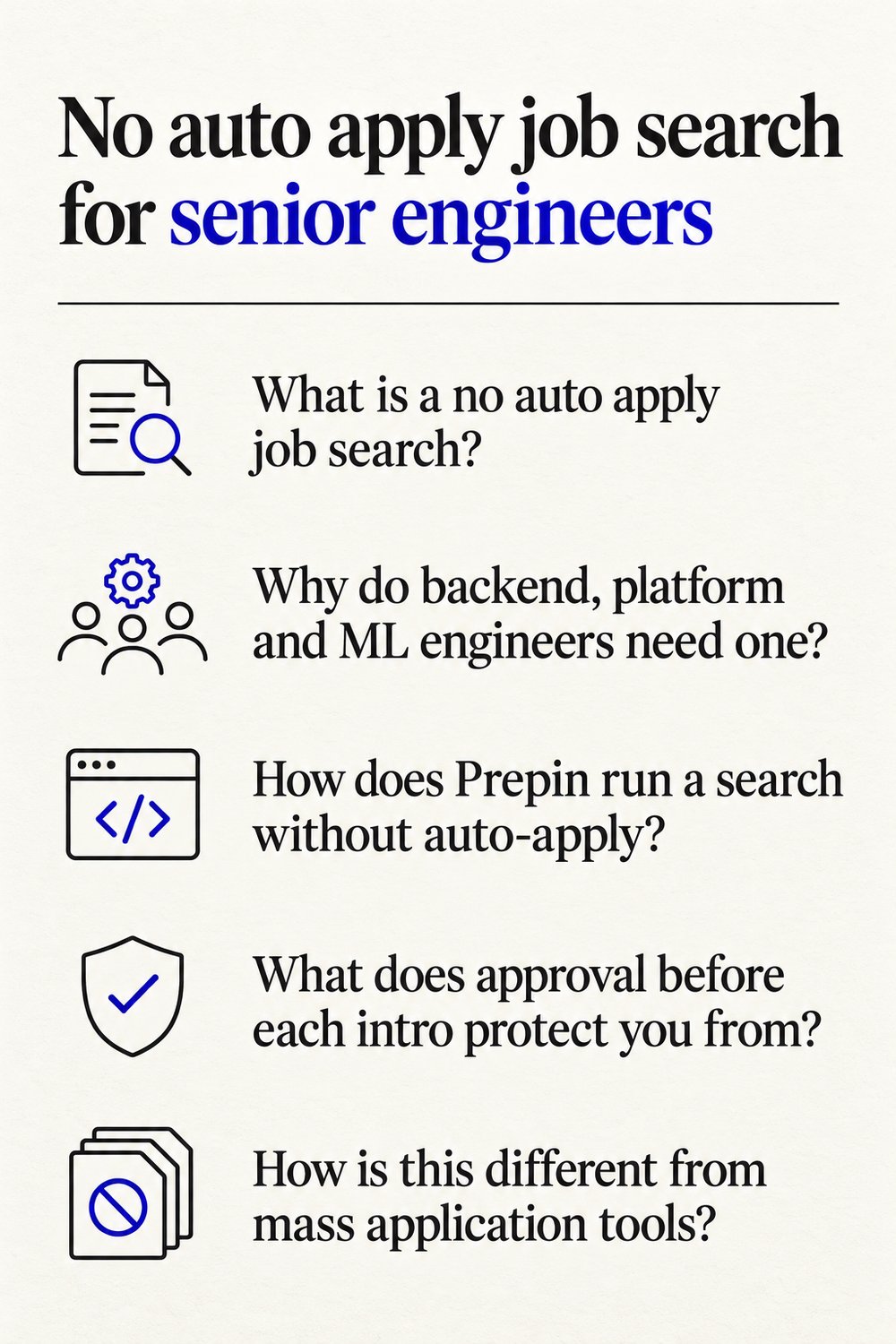
Why do backend, platform and ML engineers need one?
A misfired application costs a senior engineer more than it costs almost anyone. Your profile can land at your own employer, at a team you left on bad terms, or in a hundred reqs that don't match your stack. Each of those is hard to undo.
Backend, platform and ML infrastructure hiring runs through a fairly short list of teams. Many of the engineers we build for target $150K+ with remote or hybrid work, which narrows the real pool to a handful of roles anyway. Spraying applications across that pool doesn't change the math.
Volume isn't helping lately either. Our breakdown of the September 2026 jobs report found postings up and hiring down, so a bigger pile of listings didn't turn into more hires. If you're searching quietly from a current job, our guide to a passive search without the noise covers discretion in more depth.
How does Prepin run a search without auto-apply?
Prepin runs it through one voice conversation, one structured profile and an inbox where you approve or decline each match. Here's the sequence.
- You talk through goals, strengths and dealbreakers in one voice conversation. No forms, no resume parsing.
- Prepin combines that conversation with your LinkedIn and resume into one structured candidate profile, a living profile a recruiter can actually read.
- You set a location mode once: remote, hybrid, onsite or specific cities.
- You set a compensation floor once.
- Best-fit matches land in your inbox weekly, each with company, location and posted compensation range.
- You approve or decline every employer introduction. Approved intros go out by email.
- You practice coding, system design and behavioral rounds before the real loop.
Location mode is a search setting that tells the agent where you're willing to work. A compensation floor is a pay minimum that marks the lowest number you'll consider.
| What you control | How Prepin handles it |
|---|---|
| Who sees your profile | You approve every employer introduction before it goes out |
| What the profile is built from | 3 sources: LinkedIn, resume and one voice conversation |
| What the agent does | 3 workflows: best-fit role matches, recruiter outreach, interview practice |
| Search filters | Location mode and a compensation minimum, set once |
| What each match shows | Company, location and posted compensation range |
| Target result | 3 to 5 strong fits |
The agent panel shows 3 sources and 3 workflows, and the whole search is built around finding 3 to 5 strong fits. Product details current as of 2026-10-14.
What does approval before each intro protect you from?
Approval protects you from the sends you'd never make on purpose. Each match shows the company, location and posted range first, so you can decline your current employer, a team you've already turned down, or a role under your floor before anyone there sees your name.
Decline a match and the intro doesn't go out. Approve one and Prepin sends it by email, so you know exactly which employers have your profile. That's a short list you can read at a glance. Try rebuilding that list from a few hundred bulk submissions.
How is this different from mass application tools?
Mass application tools measure progress in sends. A no auto apply search measures it in fits you'd actually take. Some tools fill forms and submit across hundreds of postings, while others track applications you send by hand.
Prepin doesn't auto-apply or mass-submit at all. It proposes introductions and waits for your call. If you track applications by hand today, our comparison of Prepin and Teal for active job seekers walks through how the two approaches differ.
Prepin is the wrong pick if you want software that applies to hundreds of jobs for you. That's deliberate.
What should your profile show before any intro goes out?
Your profile should show evidence for the skills you claim, in a form a recruiter can scan quickly. For an ML platform engineer, that's the systems you ran, the scale they ran at and the tooling choices you made. Resume keywords alone rarely carry that.
Prepin puts skill checks and assessment evidence alongside the profile, so it doesn't rest on resume claims alone. A profile weakness review is a pre-send check that flags thin or unsupported parts of your profile before recruiters see it. Fix those first. Then approve the intro.
How do you prepare once an intro is approved?
Practice the rounds you'll actually face. Prepin's interview practice covers coding, system design and behavioral rounds, so you can rehearse each one before the real loop. If your loop includes HackerRank's AI interviewer, our notes on prepping for that format cover what changes.
Prepin pulls from 3 sources and runs 3 workflows, and every employer intro still waits for your approval. You can set up the search at prepin.ai, starting with one voice conversation about what you want next.
Frequently asked questions
- Can I run a no auto apply search while I'm still employed?
- Yes, and it's one of the main reasons to run one. Each match shows the company before anything goes out, and every employer introduction waits for your approval. You can decline your current employer, a former team or any company you'd rather avoid, and your profile never gets blasted to recruiters without your review.
- Can Prepin filter for remote roles above a salary I set?
- Search setup takes a location mode, covering remote, hybrid, onsite or specific cities, plus a compensation minimum. Each match in your inbox lists the company, location and posted compensation range, so you can check it against your floor before approving. Many of the engineers we build for target $150K+ with remote or hybrid work.
- Do I have to fill out forms to build a Prepin profile?
- No. The profile starts with one voice conversation about your goals, strengths and dealbreakers. Prepin combines that with your LinkedIn and resume into one structured candidate profile, then adds skill checks and assessment evidence alongside it. A weakness review flags thin spots before any recruiter reads it, so you can fix them first.
- How many matches should I expect from Prepin?
- Expect a short list on purpose. Prepin is built around finding 3 to 5 strong fits, with best-fit matches arriving weekly for review instead of a long, noisy board. If a role looks wrong, decline it and the intro stays with you. Three roles that fit are worth more than a stack of applications that disappear.
- Can employers use Prepin for mass outreach?
- No. Prepin works on the candidate's side. Employers looking to fill a req with mass outreach aren't who it's built for, and candidate profiles don't go out in bulk. An introduction reaches an employer only after the candidate reviews the match and approves it, and approved intros are sent by email.
Keep reading
HackerRank AI interviewer is live: how to prep
The HackerRank AI interviewer, Chakra, merges three rounds into one scored sitting. Here's how to narrate tradeoffs and AI use so the transcript earns you a 3.
· 6 min read
Passive job search for senior engineers, no noise
A passive job search for senior engineers should be quiet: set a pay floor and location once, review a few matches, and approve every intro yourself on Prepin.
· 5 min read
Prepin vs Teal for active job seekers
Prepin vs Teal: Teal tracks and polishes applications you already found. Prepin finds the roles that fit and sends no employer intro until you approve it.
· 4 min read
Prepin vs Wellfound for startup job search
Prepin vs Wellfound: one is a board you apply through yourself, the other brings matched roles and sends no intro until you approve it. Here's how they differ.
· 5 min read