LinkedIn AI job search replaces classic: what now?
LinkedIn AI job search is replacing classic keyword search with no salary filter. What changes for engineers, and why Prepin's pay floor and approve step help.
 Prepin Founder7 min read
In short
LinkedIn is retiring classic keyword job search and giving every member an AI-powered semantic search box, with no compensation filter among the listed options. Queries now match on meaning, which helps find adjacent titles. The pile, the hidden ranges and the lack of control over who sees you remain, which is where a candidate agent like Prepin comes in.
LinkedIn AI job search is replacing classic keyword search for every member, and it still has no salary filter. Learn the new query style, then run the real search through a candidate agent like Prepin: compensation floor, approve step.
That's the short version. LinkedIn moved the front door of the job hunt and left the hallway as it was. You'll type queries differently. You'll still scroll a list, click into each posting to find the range, and apply into the same stack as everyone else.
What is LinkedIn retiring?
LinkedIn is retiring its classic job search, the exact-keyword version, and replacing it with AI-powered job search for all members worldwide. The help page puts it in one line: "We're gradually retiring classic job search starting in September." No full retirement date has been published, and the rollout is described as gradual rather than a single cutover.
The stated reason is focus. LinkedIn says a single search experience lets it concentrate on relevant, high-quality results that are easy to use. Two search modes were competing for the same engineering attention, and one of them lost.
One detail matters if you've been paying for Premium to get better search. The help page says AI-powered search is available to all members worldwide and doesn't mention a Premium requirement. Free accounts get the same box.
| Detail | What the help center says |
|---|---|
| What's retiring | Classic job search, phased out gradually from September |
| Who gets AI search | All LinkedIn members worldwide |
| How queries are read | Large Language Models fine-tuned on two decades of LinkedIn data, matched on meaning rather than exact keywords |
| Filters available | Date posted, Company, Experience level, Employment type, Remote, Easy Apply, In my network, Under 10 applicants |
| Filters announced | Verified job, sort options |
| Compensation filter | None listed |
Details current as of 2026-09-21, from LinkedIn's help center pages.
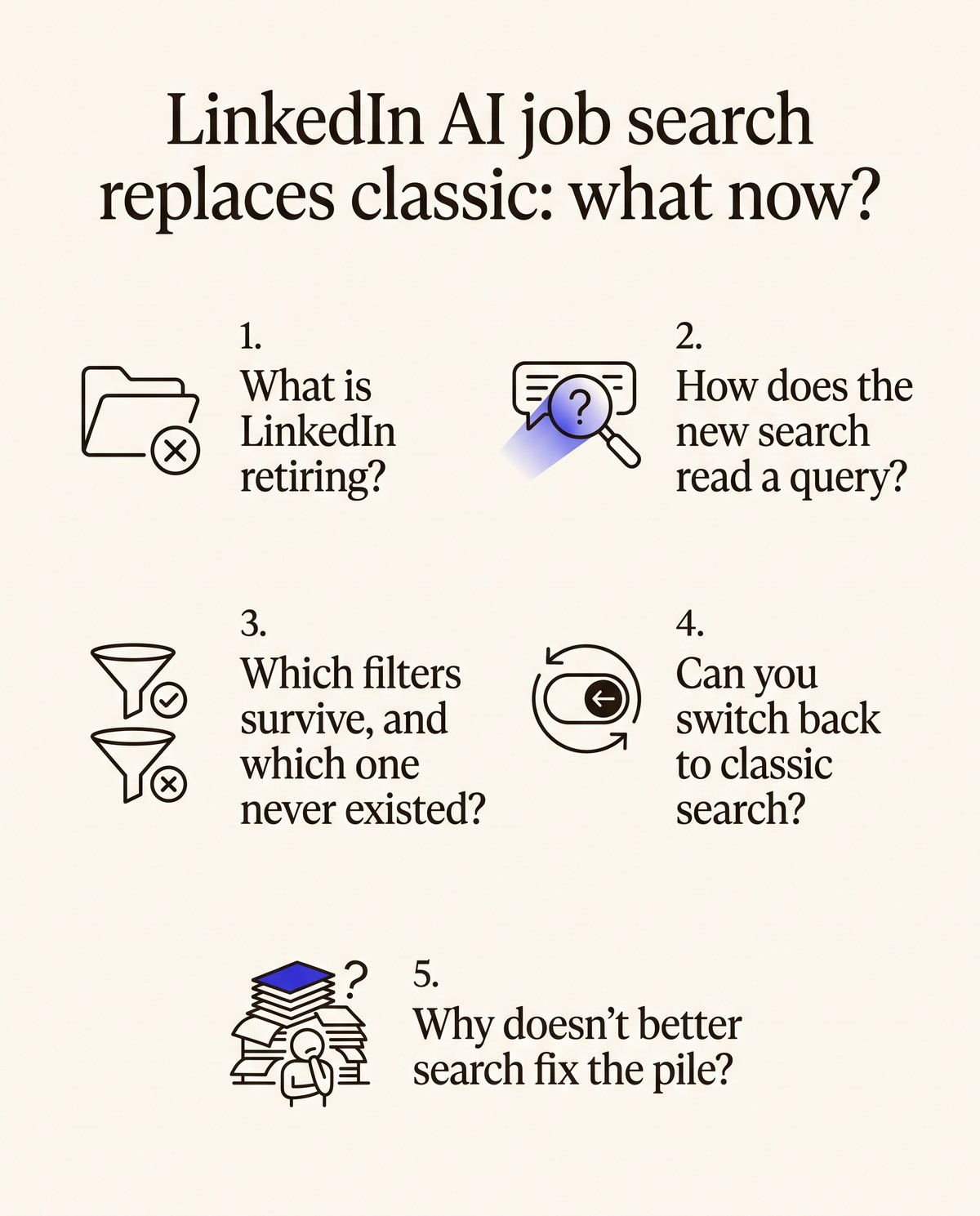
How does the new search read a query?
The new box is a semantic search. Semantic search is a retrieval method that ranks results by the meaning of your query instead of by exact keyword matches. LinkedIn says it's powered by Large Language Models fine-tuned on two decades of its own data, and its help page gives "entry-level sales jobs in healthcare posted in the last week" as the model query.
For a platform engineer that cuts both ways. Type something like remote platform engineer with Kubernetes and a small team, and the results might now include postings titled infrastructure engineer or SRE that a keyword match would've skipped. That's the upside. The downside is that you can't see why a posting ranked where it did, and your only feedback control is a thumbs up or thumbs down on each result.
Not every early report is glowing. A Sack Hacks post described the AI version failing to surface roles the author knew were already posted and that met the criteria entered. One anecdote isn't a benchmark, but it's a reason to check the new results against a posting you already know exists.
Which filters survive, and which one never existed?
Eight filters carry over, and a compensation filter isn't one of them. The filters page lists Date posted, Company, Experience level, Employment type (previously called Job type), Remote, Easy Apply, In my network and Under 10 applicants, with Verified job and sort options marked as upcoming.
So the one number a senior engineer cares about most is the one you still can't filter on. You'll learn the range the same way as before, by clicking into each posting. Do that a hundred times and you've spent an afternoon discovering which roles were never in your bracket.
Under 10 applicants is the filter worth a second look. It's the closest thing LinkedIn offers to a quiet posting, and it stops applying to a role the moment it gets traction. Easy Apply is the opposite signal. Low friction for you is low friction for everyone else, which is how the pile forms.
Can you switch back to classic search?
Not through any documented route. The help page has no instructions for switching back, and it showed a recent update when we read it. A Sack Hacks post described a toggle near the search bar where present, or the direct link linkedin.com/jobs/search, but the retirement is gradual and neither path is something LinkedIn commits to keeping.
Treat the toggle as a temporary bridge. Learn the new query style now, while classic is still around to compare against.
Why doesn't better search fix the pile?
Because search decides which postings you see, and the pile decides whether anyone sees you. Better ranking finds the right posting faster. Then you apply into the same stack as every other applicant, and the posting still hides the range until you click.
Three problems survive the switch. You still browse a long list with no pay floor, and you still submit into a queue where your resume competes on keywords. Which employers end up looking at your profile is still out of your hands. We traced the mechanics of that silence in why applying to 200 jobs gets no replies.
A shortlist beats a scroll.
What does a candidate agent do differently?
A candidate agent is a job search tool that builds your profile from a real conversation, surfaces the few roles that fit, and sends an employer introduction only after you approve it. Prepin is one. Its own copy is the plainest statement of the rule: "It never auto-applies or sends your profile without your permission."
Here's the concrete flow, because the difference lives in the steps.
- One voice conversation about goals, strengths and dealbreakers. That, combined with your LinkedIn and resume, becomes a single living profile a recruiter can read in one pass.
- You pick a location mode once, whether remote, hybrid, onsite or specific cities, and a compensation floor. A compensation floor is a search setting that tells the agent the minimum a role has to pay before it counts as a match.
- Matches arrive weekly with the company, location and posted compensation range already visible. The range is the first thing you read, which is the reverse of a job board.
- Every intro waits for your approval and goes out by email once you give it. Decline and nothing moves.
Alongside the profile sit skill checks and assessment evidence, so a recruiter reads proof rather than resume claims. A weakness review runs before any recruiter sees the profile. Prepin's site positions the best use as finding 3 to 5 strong fits, which is a deliberately small number. Who runs the search is the axis we used in Prepin versus Careerflow, and the wider field is in our comparison of job search tools for engineers.
Does this matter more if you're employed and searching quietly?
Yes, because a semantic ranker changes which postings you find and does nothing about who finds you. Each application you send through a job board is a signal into a system you don't control. If you're employed and searching quietly, the two controls that matter are a compensation floor that filters before you look and an approve step that gates before anyone else looks.
Auto-apply bots are the wrong fix for the same reason. They take the pile problem and scale it. Prepin doesn't offer one, and won't.
What should you do this week?
Rewrite your saved LinkedIn searches in plain language, set a compensation floor somewhere that enforces it, and stop counting Easy Apply clicks as progress. Those three moves cover the gap the new search leaves open. Here's the order.
- Rewrite each saved search as a plain sentence, the way LinkedIn's own example reads, and check the results against a role you already know is posted.
- Note which results you'd have missed under keyword search and which ones look wrong, and use the thumbs to say so.
- Decide your compensation floor and location mode once, then stop opening postings that don't state a range above it.
- Move the real pipeline somewhere that enforces both settings and waits for your approval before an intro goes out.
- Spend the hours you get back on interview practice. Prepin's agent covers coding, system design and behavioral rounds, and none of them practice themselves.
For a read on where the demand actually is, the latest tech jobs report on who's hiring engineers covers which companies are hiring right now.
LinkedIn's new search can find you a title. It still can't show you the range before you click, and it still routes you into the pile. Prepin puts the company, location and posted compensation range in your inbox before you decide anything, and no employer hears from you until you say yes. Start with the one conversation at prepin.ai.
Frequently asked questions
- Does LinkedIn's AI-powered job search require Premium?
- LinkedIn's help page says AI-powered job search is available to all members worldwide and doesn't mention a Premium requirement. Free accounts get the same semantic search box, the same eight filters and the same thumbs up or thumbs down feedback. If you were paying for Premium mainly for search, this change doesn't add anything you'd have to pay for.
- How do I set a compensation floor and only see roles above it?
- On LinkedIn you can't, since no salary or compensation filter appears in the AI-powered search filter list. In Prepin you set a compensation minimum once during search setup, alongside a location mode such as remote, hybrid, onsite or specific cities. Matched roles then arrive in your inbox with the company, location and posted compensation range already shown, so the range is the first thing you read.
- Is an auto-apply bot a reasonable answer to the new LinkedIn search?
- No. Auto-apply tools take the pile problem and scale it, sending your resume into more queues you can't see into and to employers you never chose. Prepin never auto-applies and never sends your profile without your permission. You approve or decline each employer introduction individually, and approved intros go out by email, which keeps a quiet search quiet.
- What should a machine learning platform engineer profile show to get matched?
- Show the work rather than the keywords. In Prepin the profile starts from one voice conversation about goals, strengths and dealbreakers, then combines your LinkedIn and resume into one structured profile. Skill checks and assessment evidence sit beside it, and a weakness review runs before any recruiter reads it. Set your location mode and compensation floor so the matches that come back are ones you'd take.
Keep reading
September 2026 jobs report: postings up, hiring down
The September 2026 jobs report shows tech postings at a three-year high while tech jobs fell. Here's what senior engineers should do instead of mass applying.
· 5 min read
Resume weakness review before a recruiter reads it
A resume weakness review flags thin evidence and vague claims before any recruiter sees your profile. Here's how Prepin does it, and what to fix first.
· 6 min read
August 2026 tech jobs report: who's hiring engineers
The August 2026 tech jobs report: tech occupations up 86,000, tech firms down 14,700. Where senior backend, platform and ML roles moved, and how to find them.
· 7 min read
Job search tools for software engineers, compared
Job search tools for software engineers fall into four categories, from trackers and ATS scanners to auto-apply bots and candidate agents. Which fits you?
· 6 min read