A candidate profile recruiters can see, on your terms
A candidate profile recruiters can see works best when it's built from one conversation. Prepin combines LinkedIn, resume and voice, and holds each intro.
 Prepin Founder4 min read
In short
Recruiters open your Prepin profile only after you approve an introduction. Before that, the profile is assembled from your LinkedIn, your resume and one voice conversation about goals, strengths and dealbreakers, with skill check evidence attached. You set location mode and a compensation minimum once, then review matched roles with their posted ranges and decide which introductions move.
Recruiters see your Prepin profile only after you approve an introduction. Until then, a candidate profile recruiters can see is built from one voice conversation plus your LinkedIn and resume, with skill evidence attached.
No forms. You talk for a while about goals, strengths and dealbreakers, and what comes back is a record a person can read top to bottom without decoding acronyms.
What goes into a candidate profile recruiters can see?
Three inputs. Your LinkedIn, your resume, and one voice conversation. Prepin combines them into a living candidate profile, which is a structured candidate record that keeps updating as your goals, evidence and constraints change rather than freezing into a PDF.
The conversation carries the weight here. A resume can say you built a feature store. It can't say you're done with on-call under a four-person rotation, or that title matters less to you than owning training infrastructure end to end. Dealbreakers rarely survive a bullet list.
Prepin's agent panel runs on 3 sources and 3 workflows: best-fit role matches, recruiter outreach, and interview practice. One profile feeds all three, so preparing for a loop and getting matched to roles aren't two separate accounts holding two separate versions of you.
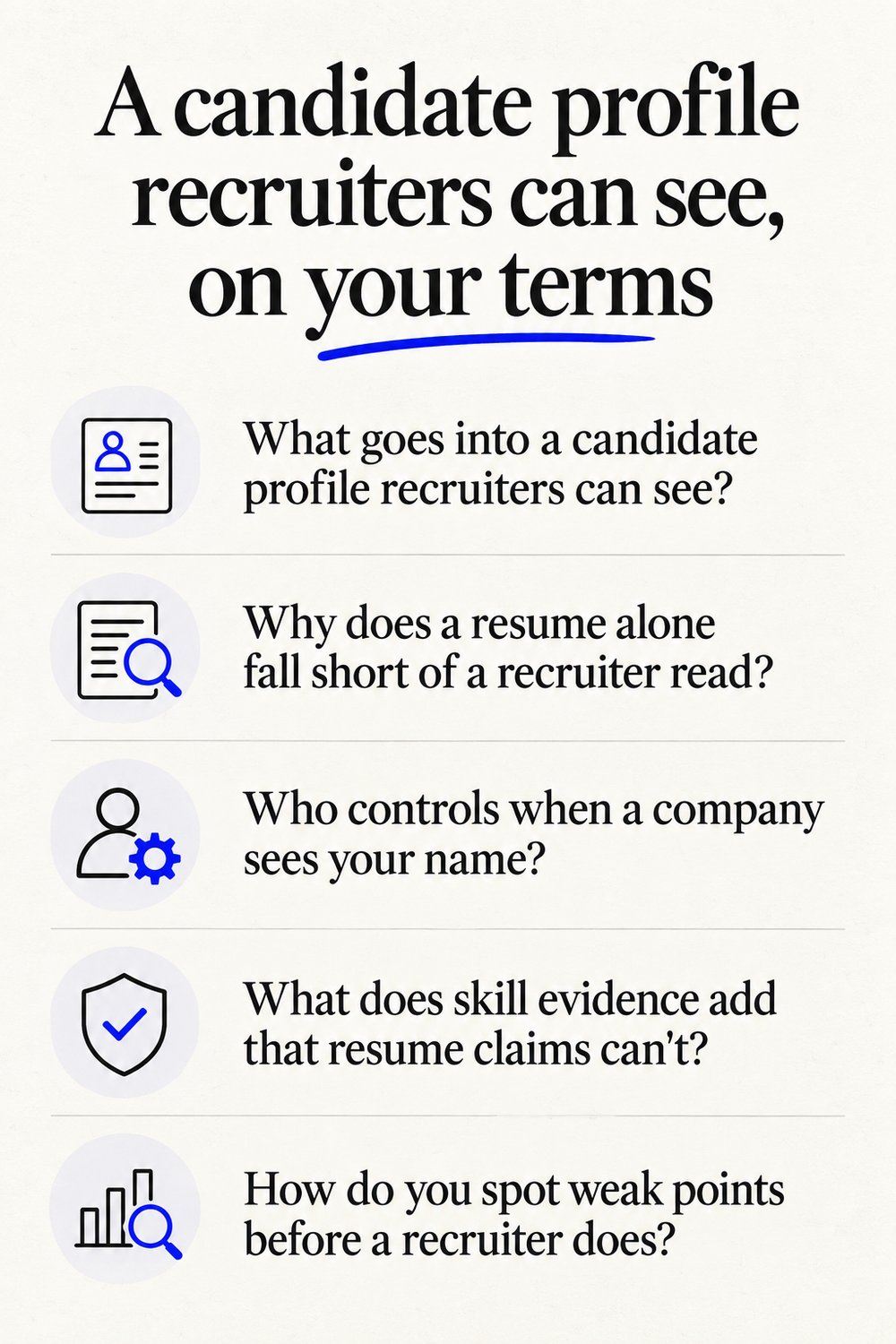
Why does a resume alone fall short of a recruiter read?
Because a resume gets written to survive a filter, and filters reward phrasing over substance. Scoring a resume against a posting you already picked is a different job from deciding which postings deserve your time at all, which is the split we drew in our Jobscan comparison.
Senior candidates take the worst of this. Years of platform ownership compress into the same two-page format as a first job, and the compression throws out the scope that would have made a hiring manager pick up the phone. A profile has room for scope.
Who controls when a company sees your name?
You do, on every single introduction. Prepin's site copy puts it plainly: "It never auto-applies or sends your profile without your permission."
That's the line between a profile and a broadcast. Each introduction is its own decision, so a company you'd rather not talk to stays a company that never heard from you. Approve one, decline the next, no explanation owed to anybody.
What does skill evidence add that resume claims can't?
Proof a skeptical reader can act on. Skill checks and assessment evidence sit alongside your profile instead of the claims-only version recruiters get from everyone else.
Every resume in the stack says strong Kubernetes. A recruiter reading fifty of them has no way to rank the claims, so they fall back on brand names and tenure, which is how good engineers from unfamiliar companies get skipped. Attach evidence to the claim and there's something to compare.
How do you spot weak points before a recruiter does?
Run the review first. Prepin includes a profile weakness review, which is a pass over your own profile that flags thin evidence and vague claims before any recruiter opens it.
Silence teaches you nothing. If a soft spot in your profile is why three introductions went quiet, nobody is going to send you the note explaining that. Hearing it from the agent while you can still add an assessment or rewrite how you described a migration is the cheaper version.
Does this work for a quiet search while you're employed?
Yes, and for a lot of readers that's the whole reason to use it. Nothing leaves on your behalf, so your profile isn't circulating where your current employer or a recruiter working their req might run into it.
Passive search normally means handing your details to a database and hoping the sorting is kind. Here it's a set of matched roles you look at on your own schedule, closer to the filtering logic we described in our job boards comparison. Look, ignore, or approve.
What does a matched role look like when it arrives?
Company, location, and the posted compensation range, in an inbox you review. Search setup takes location mode (remote, hybrid, onsite, or specific cities) and a compensation minimum, both set once.
The site positions best use as finding 3 to 5 strong fits. Small number. It reads differently once you count how many of your last two hundred applications produced a human reply.
LinkedIn's switch to AI search took away the salary filter that used to narrow things for you, so a floor you state once is worth more now than it was. For the wider category map, the tools breakdown sorts trackers, resume scanners, apply bots and candidate agents.
| Part of the profile | How Prepin handles it |
|---|---|
| Inputs | LinkedIn, resume, and one voice conversation about goals, strengths and dealbreakers |
| Who sees it | No employer, until you approve that specific introduction |
| Volume | Best use is 3 to 5 strong fits, not a long list |
| What each match shows | Company, location, and the posted compensation range |
| Search settings | Location mode and a compensation minimum, set once |
| Evidence | Skill checks and assessment results sit next to the profile |
Details on how the profile works are current as of 2026-09-23.
The profile is the first thing you get back, not something you earn after a month of using the product. Start the conversation at prepin.ai, see the weakness review on your own profile, and decide later whether any introduction is worth approving.
Frequently asked questions
- Can I change my profile after the first voice conversation?
- Yes. The profile is built to keep updating rather than sit as a finished document, so new goals, a changed compensation minimum, a different location mode or fresh assessment evidence all fold back in. Most people adjust their dealbreakers after seeing the first batch of matches and realizing what they actually want to rule out.
- Do recruiters get my contact details before I approve an introduction?
- No. Prepin never auto-applies or sends your profile without your permission, so a company gets nothing until you approve that particular introduction. Approval is per introduction, not a one-time switch, which means saying yes to one employer does not open your profile to the next one in the queue.
- What happens if a matched role pays below my compensation floor?
- You set a compensation minimum during search setup, and each matched role arrives in your inbox with the posted compensation range shown next to the company and location. That lets you check the range against your floor before spending any attention on it, and declining costs you one click and no conversation with a recruiter.
- Does interview practice use the same profile as my matches?
- It does. The agent runs three workflows off one profile: best-fit role matches, recruiter outreach, and interview practice covering coding, system design and behavioral rounds. Because the practice draws on the same goals, strengths and evidence a recruiter would read, your answers in a loop line up with what the profile already claimed about you.
Keep reading
AI job matching platform vs job boards for engineers
An AI job matching platform earns its place over a job board only if it filters to a few real fits with pay ranges shown. Here's how Prepin handles it.
· 6 min read
Job search tools for software engineers, compared
Job search tools for software engineers fall into four categories, from trackers and ATS scanners to auto-apply bots and candidate agents. Which fits you?
· 6 min read
LinkedIn AI job search replaces classic: what now?
LinkedIn AI job search is replacing classic keyword search with no salary filter. What changes for engineers, and why Prepin's pay floor and approve step help.
· 7 min read
Prepin vs Jobscan: matching agent or ATS score
Prepin vs Jobscan: Jobscan scores a resume against a posting you already chose. Prepin screens roles first, then sends an intro only after you approve it.
· 5 min read