Prepin vs Sonara for job matching
Prepin vs Sonara: Prepin matches you with a few strong-fit roles and sends each employer intro only after you approve it. No auto-apply, no mass submissions.
 Prepin Founder5 min read
In short
Prepin vs Sonara is a choice about control. Prepin builds your profile from one voice conversation plus LinkedIn and your resume. It surfaces a few roles that fit your location mode and compensation floor, and it sends an employer introduction only after you approve it. It never auto-applies. Check Sonara's current terms on its own site.
Prepin vs Sonara comes down to who presses send. Prepin matches you with a few roles that fit and sends an employer introduction only after you approve it. No auto-apply, no mass submissions.
That's the pitch. Here's the longer version.
We won't describe Sonara's features secondhand. Products and pricing change, so read sonara.ai for its current terms. What we can show you is how Prepin works, plus the questions that separate an approval-first agent from any tool that applies for you.
What's the difference between Prepin and an auto-apply tool?
Prepin never submits anything on your behalf. An auto-apply tool does, by design. Our site copy puts it plainly: "It never auto-applies or sends your profile without your permission."
Auto-apply is a job search feature that submits applications to employers for you, based on filters you set once. A candidate agent is an AI assistant that works for the job seeker. It builds your profile, finds roles and drafts introductions, then waits for your decision. Prepin is the second kind.
Senior candidates feel that gap quickly. With a tool that applies for you, you learn which companies saw your resume after the fact. With Prepin you see the company, location and posted compensation range first. Then you decide.
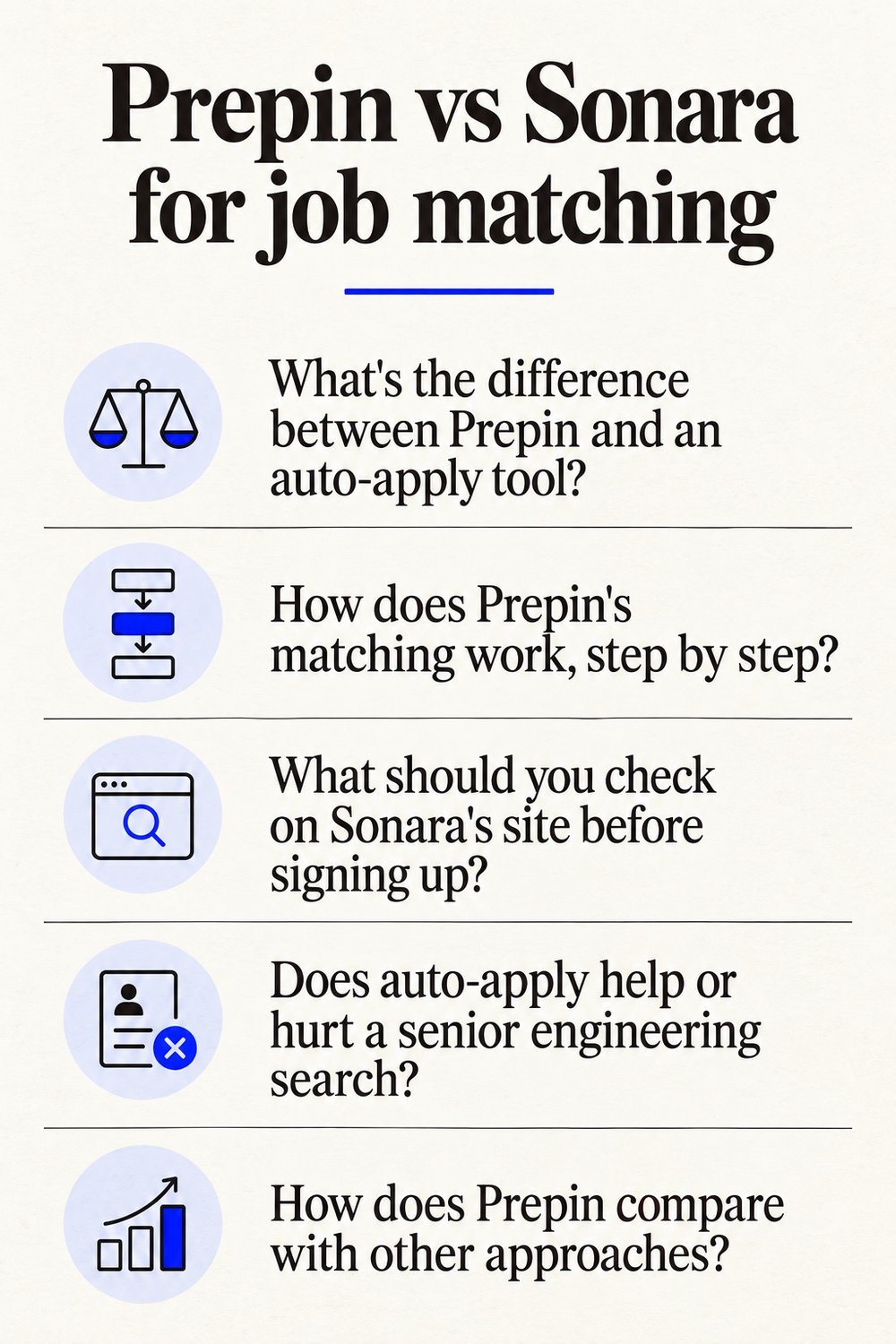
How does Prepin's matching work, step by step?
You set it up once, then review a short list. Here's the flow:
- Have one voice conversation about your goals, strengths and dealbreakers. No forms, no resume parsing.
- Prepin combines that conversation with your LinkedIn and resume into one living candidate profile. Those are the 3 sources shown in the agent panel.
- Set your location mode (remote, hybrid, onsite or specific cities) and a compensation minimum.
- Review best-fit matches in your inbox. Each shows the company, location and posted compensation range.
- Approve or decline each employer introduction. Approved intros go out by email.
A compensation floor is the lowest pay you'll consider, entered once during search setup so you aren't re-explaining it to every recruiter. For candidates targeting $150K+ remote or hybrid roles, that one number does a lot of filtering.
Behind the inbox, the agent runs 3 workflows: best-fit role matches, recruiter outreach and interview practice. We position the best use of Prepin as finding 3 to 5 strong fits. Five roles you'd actually take beat a spreadsheet of submissions nobody answered.
| Prepin fact | Detail |
|---|---|
| Category | AI job search agent for engineers |
| Applying model | No auto-apply, no mass submissions |
| Employer introductions | You approve every one before it goes out |
| Profile inputs | LinkedIn, resume and one voice conversation |
| Agent workflows | Role matches, recruiter outreach, interview practice |
| Search setup | Location mode and a compensation minimum |
Product details current as of 2026-10-02.
What should you check on Sonara's site before signing up?
Ask Sonara, or any AI job search tool, the same questions you'd ask us. The answers live on each vendor's own site and terms, so read those directly instead of a roundup.
- Does it submit applications without showing you each one first?
- Can you approve or decline every employer that sees your profile?
- Can you set a pay minimum and a location mode at setup?
- What does an employer actually receive: your resume, a profile, or a message written in your name?
- Does it flag weak spots in your profile before anyone reads it?
- Does it help you prepare for the interviews it lands?
Our answers, in order. No. Yes, every one. Yes, both.
A structured profile built from your conversation, LinkedIn and resume, sent with an intro you approved. Yes, through a profile weakness review. And yes, with practice for coding, system design and behavioral rounds.
Does auto-apply help or hurt a senior engineering search?
We built Prepin on the bet that it hurts more than it helps at the senior level. Backend, platform, ML and AI roles get filled on fit, and an application you never reviewed can't show fit you didn't choose to show.
There's also the stuff you can't undo. A submission can land at a company you'd never join, or on a role posted below your floor. Once it's sent, it's sent.
If you've been tuning resume keywords to beat a screening score, our Jobscan comparison explains why matching on real skills is a different job entirely.
How does Prepin compare with other approaches?
Prepin is the only option in this table where you approve each employer introduction before it goes out. We compare models here, not vendors, because vendor features shift and a tool that applies for you behaves like one regardless of the logo.
| Option | Who sends your profile | What you review first | Volume | Interview practice |
|---|---|---|---|---|
| Prepin | You, after approving each intro | Company, location, posted compensation range | 3 to 5 strong fits | Coding, system design, behavioral |
| Tools that apply for you | The tool, from your filters | Varies by vendor | Built for volume | Varies by vendor |
| Large job boards | You, one application at a time | Long listing pages | Whatever you have time for | Separate tools |
Some candidates want help organizing a search they run themselves. We covered that split in who actually runs your search. And if your main channel has been LinkedIn, here's what changed with its AI job search and how it fits alongside an agent.
Who should choose Prepin, and who shouldn't?
Prepin fits experienced US tech candidates who want a small number of strong-fit roles and full say over which employers see them.
Prepin is a good fit if you:
- work in backend, platform, ML or AI engineering
- want to replace mass applications with a few high-fit introductions
- are running a quiet search while employed and don't want your profile going everywhere
- would rather prove skill with assessments than resume claims
Skip Prepin if you want software that applies to hundreds of jobs, want your profile blasted to recruiters without review, or simply like scrolling big job board lists. Employers filling a req with mass outreach won't find it useful either. That's on purpose.
What does Prepin check before a recruiter sees you?
Before any intro goes out, Prepin runs a profile weakness review so you can fix gaps while they're still private. We walked through that process in reviewing resume weak spots before a recruiter does.
Skill checks and assessment evidence sit next to your profile, so a recruiter reads what you can do instead of what you claimed. When a match turns into a loop, interview practice covers coding, system design and behavioral rounds.
One conversation builds the profile, and nothing reaches an employer until you press approve. Start yours at prepin.ai.
Frequently asked questions
- Can I use Prepin for a quiet job search while I'm still employed?
- Yes. Prepin never sends your profile without your permission, and you approve or decline every employer introduction individually. That means you decide exactly which companies see you. If a match looks risky or too close to your current employer, decline it and the intro never goes out.
- Does Prepin show pay before I approve an employer introduction?
- Yes. Each matched role in your inbox shows the company, location and posted compensation range, so you can judge it before anything is sent. You also enter a compensation minimum and a location mode during search setup, which keeps you from re-explaining your floor to every recruiter who reaches out.
- How many roles should I expect Prepin to surface?
- Few, by design. We position the best use of Prepin as finding 3 to 5 strong fits, with best-fit matches arriving weekly for you to review. If you want hundreds of listings or automated applications in volume, a different kind of tool will suit you better than an approval-first candidate agent.
- Which engineers is Prepin built for?
- Prepin is an AI job search agent for engineers, mostly experienced US backend, platform, ML and AI engineers, many targeting $150K+ and remote or hybrid work. The voice intake captures goals, strengths and dealbreakers, so the profile reflects senior work that a keyword-matched resume often flattens.
- #prepin vs sonara
- #ai job search agent
- #auto apply job alternative
- #no auto apply job search
- #job search tools for software engineers
Keep reading
Prepin vs Wellfound for startup job search
Prepin vs Wellfound: one is a board you apply through yourself, the other brings matched roles and sends no intro until you approve it. Here's how they differ.
· 5 min read
Prepin vs Teal for active job seekers
Prepin vs Teal: Teal tracks and polishes applications you already found. Prepin finds the roles that fit and sends no employer intro until you approve it.
· 4 min read
August 2026 tech jobs report: who's hiring engineers
The August 2026 tech jobs report: tech occupations up 86,000, tech firms down 14,700. Where senior backend, platform and ML roles moved, and how to find them.
· 7 min read
LinkedIn AI job search replaces classic: what now?
LinkedIn AI job search is replacing classic keyword search with no salary filter. What changes for engineers, and why Prepin's pay floor and approve step help.
· 7 min read