Prepin vs Wellfound for startup job search
Prepin vs Wellfound: one is a board you apply through yourself, the other brings matched roles and sends no intro until you approve it. Here's how they differ.
 Prepin Founder5 min read
In short
Prepin vs Wellfound is a choice between running the search yourself and having strong-fit roles come to you. Wellfound is a job board you apply through. Prepin builds a profile from one voice conversation, surfaces best-fit roles with posted pay ranges, and sends an introduction to an employer only after you approve it.
Prepin vs Wellfound comes down to who does the work. Wellfound is a job board you apply through yourself. Prepin brings you matched roles and sends an introduction only after you approve it.
That's the whole split. On a board, you run the search and you send every application. A candidate agent is an AI tool that works for the job seeker, building your profile, matching it to open roles and sending introductions only after you approve them.
Prepin is one, and you keep the decision that counts. Who gets to see you.
What is the real difference between Prepin and Wellfound?
Direction. With Wellfound, you go to the listings, decide which ones fit and apply to each one yourself. With Prepin, best-fit roles arrive in your inbox and you approve or decline each introduction before anything reaches an employer.
Both keep you in charge of who sees your application. What changes is how much of your week it costs to stay in charge.
| Option | How roles reach you | Who sends your profile | What you do per role |
|---|---|---|---|
| Prepin | Weekly best-fit matches in your inbox, with company, location and posted compensation range | Prepin, only after you approve that specific introduction | Review the match, then approve or decline |
| Wellfound | You browse and search the board | You, through your own applications | Find the listing, judge the fit, apply |
| Auto-apply bots (general) | The tool picks roles at volume | The tool, often without a per-role review from you | Very little, until replies or silence come back |
The auto-apply row is there for context. Those tools trade control for volume, which is the opposite of Prepin's trade. For a wider look at AI matching tools, here's how Prepin's matching stacks up against Sonara's.
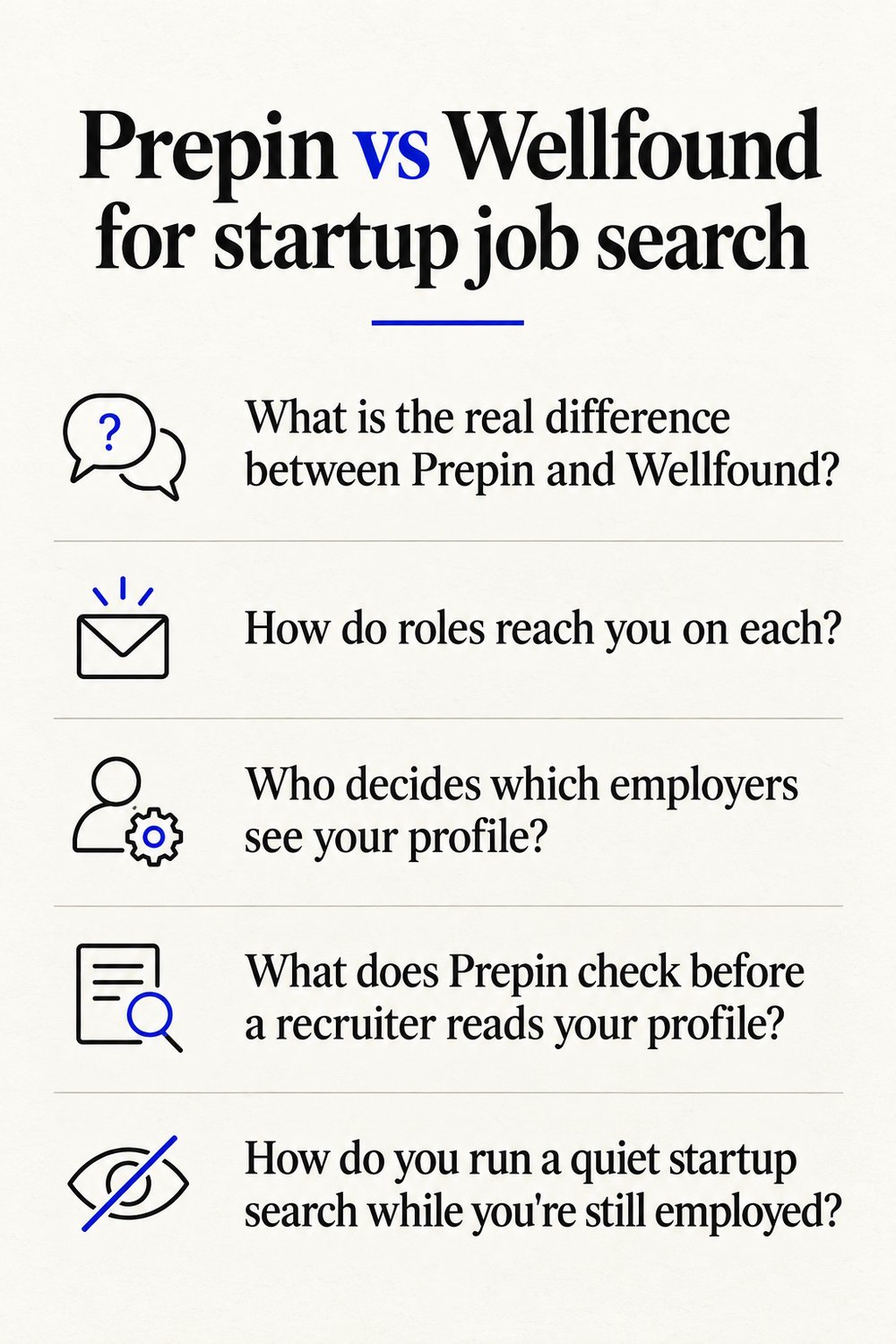
How do roles reach you on each?
On Prepin, roles reach you as matches built from your profile. On a board, you reach them by searching.
Prepin's profile starts with one voice conversation about your goals, strengths and dealbreakers. It then combines that with your LinkedIn and resume into one structured candidate profile. Matches show up in your inbox with company, location and the posted compensation range, so you can rule a role in or out in seconds.
On a board, every listing is written for everyone. You read it, guess whether your background lands, and decide if it's worth an application. For senior backend, platform and ML engineers, that guess often turns on resume keywords instead of what you've shipped, and keyword scoring versus fit matching is a fight most candidates lose without ever hearing about it.
Who decides which employers see your profile?
You do, on Prepin, every single time. Nothing goes to an employer until you press approve, and the site says it plainly: "It never auto-applies or sends your profile without your permission."
On Wellfound, control comes from doing the applying yourself. That works. It also means control and effort are welded together, so the week you're tired, you either apply less carefully or stop applying.
Prepin pulls them apart. The agent handles the finding and the outreach, and you make the call.
Auto-apply bots go the other way and send at volume. For anyone searching while still employed, losing track of where your name landed is a real risk.
What does Prepin check before a recruiter reads your profile?
Prepin builds and reviews your profile first, then matches, then asks before sending. Here's the order:
- You talk through goals, strengths and dealbreakers in one voice conversation. No forms.
- Prepin combines that conversation with your LinkedIn and resume. Those are the 3 sources shown in the agent panel.
- It reviews the profile for weak spots before any recruiter sees it. Our guide to catching resume weaknesses early goes deeper on what tends to get flagged.
- Skill checks and assessment evidence sit next to the profile, so a recruiter sees proof beside your claims.
- Matched roles land in your inbox with company, location and posted compensation range.
- You approve or decline each introduction, and approved intros go out by email.
From there the agent runs 3 workflows. Best-fit role matches, recruiter outreach and interview practice.
| Prepin fact | Detail |
|---|---|
| Intake | One voice conversation about goals, strengths and dealbreakers |
| Profile sources | LinkedIn, resume and conversation, combined into one structured profile |
| Workflows | Best-fit role matches, recruiter outreach, interview practice |
| Introductions | Sent only after you approve each one; no auto-apply, no mass submissions |
| Search setup | Location mode (remote, hybrid, onsite, specific cities) and a compensation minimum |
| Best use | Finding 3 to 5 strong fits |
These details are current as of 2026-10-09.
How do you run a quiet startup search while you're still employed?
Set your terms once and let matches come to you. In Prepin, search setup takes a location mode and a compensation floor. Location mode is a search setting that tells the agent where you'll work.
Remote, hybrid, onsite or specific cities. A compensation floor is a minimum pay figure you set up front, so matches start from a number you'd actually take.
That matters if you're one of the many engineers targeting $150K+ in remote or hybrid roles. On a board, the search is something you rerun every time you open it, and each application is one more place your name lives. With Prepin, a quiet search stays quiet until you approve an intro.
What happens after an introduction turns into an interview loop?
You prep in the same place. Prepin's interview practice covers coding, system design and behavioral rounds, so the agent that matched you to a role also gets you ready for it.
Applying through a board gets you to the loop. Getting ready is on you. Better to stumble through a practice system design round than the one with an offer attached.
Can you use Wellfound and Prepin together?
Yes. Nothing stops you from keeping a board open for the odd listing you spot yourself while Prepin handles matched roles and introductions.
The split that makes sense is Prepin for the 3 to 5 strong fits you'd actually move on, and a board only when one specific company catches your eye. A handful of fits you chose beats a tracker full of silence. If you're also juggling spreadsheets and a high application count, see how Prepin compares with Teal for active job seekers.
Prepin's own line is blunt: "Job search is broken. Prepin flips it." In practice that means one conversation, a profile built from 3 sources, matches that show posted pay ranges, and an approve button on every intro. You can start that conversation at prepin.ai.
Frequently asked questions
- Does Prepin apply to startup jobs on my behalf?
- No. Prepin never auto-applies and never sends your profile without your permission. The agent surfaces matched roles in your inbox with company, location and posted compensation range, then holds each introduction until you approve it. Approved intros go to the employer by email, and you can decline any match you don't want without anything leaving your account.
- Which engineers is Prepin built for?
- Experienced US tech candidates, especially backend, platform, ML and AI engineers. Many are targeting $150K+ and remote or hybrid roles, and they want a small number of strong-fit roles instead of a long list. Prepin is built for that kind of search: few introductions, each one approved by you, each one aimed at a role that fits your real skills.
- Do I have to fill in forms to set up a Prepin profile?
- No forms. Prepin builds your profile from one voice conversation about your goals, strengths and dealbreakers, then combines it with your LinkedIn and resume into one structured candidate profile. Skill checks and assessment evidence sit alongside it, so a recruiter reading your profile sees proof next to your claims instead of a keyword-heavy document.
- How many matches should I expect from Prepin, and do they show pay?
- Prepin is built around finding 3 to 5 strong fits, with weekly best-fit matches to review. Each match in your inbox shows the company, the location and the posted compensation range. Your search setup also includes a compensation minimum, so you're judging roles against a number you've already decided you'd accept.
- #prepin vs wellfound
- #startup job search
- #ai job search agent
- #no auto apply job search
- #job search tools for software engineers
Keep reading
Prepin vs Careerflow: who runs your search?
Prepin vs Careerflow: one organizes a search you still run, the other surfaces the few roles that fit and waits for your approval before any intro goes out.
· 5 min read
Prepin vs Jobscan: matching agent or ATS score
Prepin vs Jobscan: Jobscan scores a resume against a posting you already chose. Prepin screens roles first, then sends an intro only after you approve it.
· 5 min read
Prepin vs Sonara for job matching
Prepin vs Sonara: Prepin matches you with a few strong-fit roles and sends each employer intro only after you approve it. No auto-apply, no mass submissions.
· 5 min read
Prepin vs Teal for active job seekers
Prepin vs Teal: Teal tracks and polishes applications you already found. Prepin finds the roles that fit and sends no employer intro until you approve it.
· 4 min read