Is Prepin worth it? An honest 2026 breakdown
Is Prepin worth it? Yes for US engineers who want a readable profile, a few high-fit matches with pay ranges and approval on every intro.
 Prepin Founder5 min read

In short
Yes, Prepin is worth it for experienced US engineers who want one voice conversation turned into a profile recruiters can read, a few best-fit matches with posted compensation ranges, interview practice and approval over every employer intro. It isn't built for anyone who wants hundreds of automated applications sent on their behalf.
Who is Prepin worth it for? US backend, platform and ML engineers who want a readable profile, a few matches with posted pay ranges, and a veto over every intro. Want hundreds of applications fired off? Look elsewhere.
That's the whole trade. Prepin gives up volume on purpose.
Below is what you get, what it replaces and what to check in the subscription terms. Facts here are current as of 2026-10-28 and come from our own site and terms.
Is Prepin worth it for experienced engineers?
Yes, if your goal is a handful of strong fits instead of a spreadsheet of cold applications. Prepin's best use is finding 3 to 5 strong fits, and the product is built around that number from intake to inbox.
An AI candidate agent is a job search tool that builds a profile from your own context, matches it to open roles and handles introductions only after you sign off. That's the category Prepin sits in. It's designed for experienced US tech candidates. Backend, platform, ML and AI engineers, many targeting $150K+ and remote or hybrid work.
You'll get less out of it if you want any of these:
- software that auto-applies to hundreds of jobs
- your profile blasted to recruiters without review
- a big, scrollable job board to browse for hours
Those are deliberate gaps. A tool that refuses to spray your resume can't also be the one that sprays it.
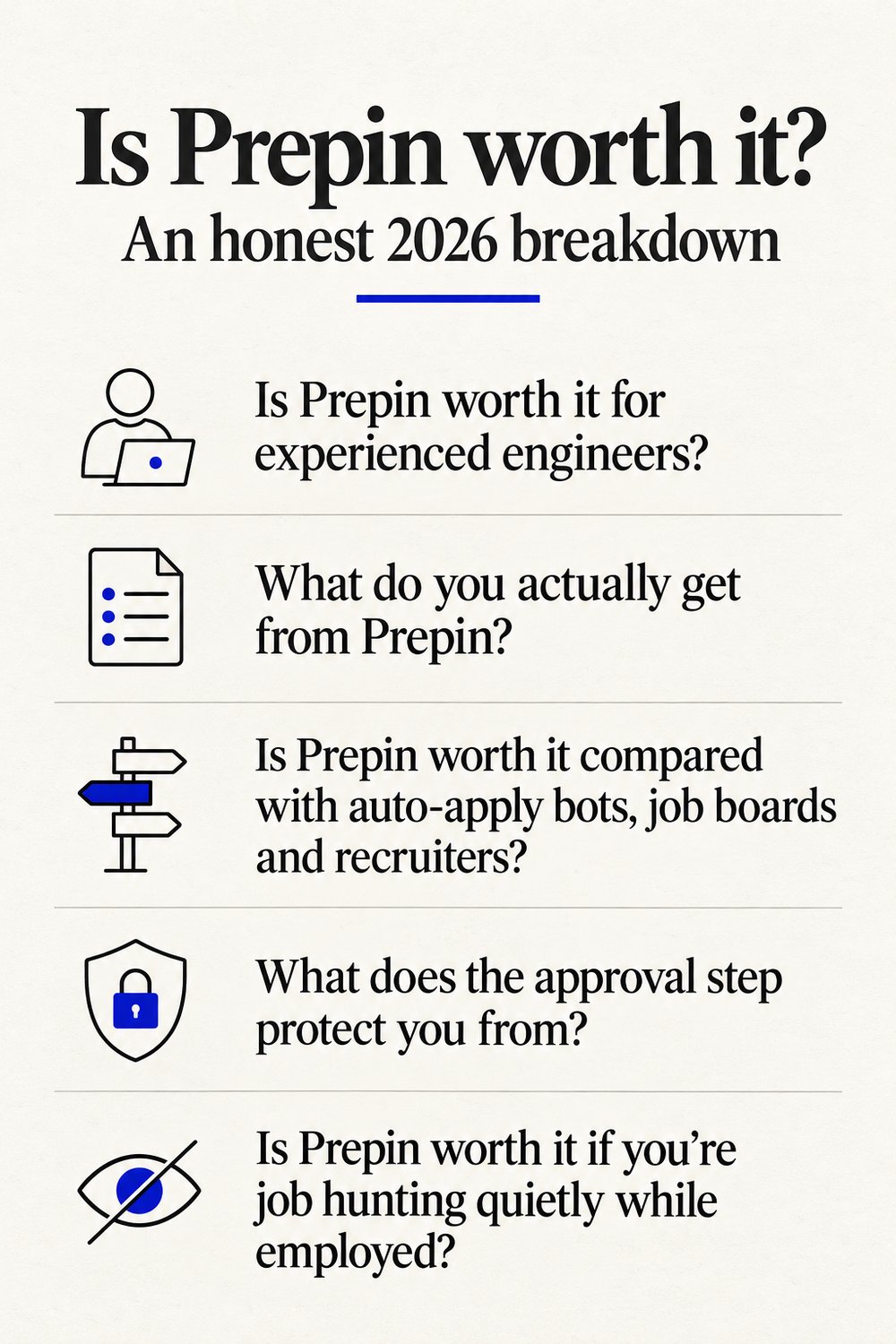
What do you actually get from Prepin?
You get one voice intake, one structured profile, and three workflows that run off it. Here's the sequence a candidate goes through, step by step:
- Talk to Prepin once. It's one real voice conversation about goals, strengths and dealbreakers. No forms, no resume parsing.
- Prepin combines that conversation with your LinkedIn and resume into a single structured candidate profile. Skill checks and assessment evidence sit next to it, so the profile carries proof as well as claims.
- Set your search once: a location mode (remote, hybrid, onsite or specific cities) and a compensation minimum.
- The agent runs its three workflows: best-fit role matches, recruiter outreach and interview practice.
- Matches land in your inbox with company, location and the posted compensation range. For each one you see the role, why it fits and what would be shared.
- You approve or decline. Declined means nothing goes out.
Before any recruiter reads the profile, Prepin also flags its weak spots, which is the part most people skip when they polish a resume alone.
| What | How Prepin handles it |
|---|---|
| Intake | One voice conversation on goals, strengths and dealbreakers |
| Profile sources | 3 sources: LinkedIn, resume, conversation |
| Agent workflows | 3 workflows: role matches, recruiter outreach, interview practice |
| Match volume | Best use is finding 3 to 5 strong fits |
| Search filters | Location mode plus a compensation minimum |
| Auto-applies | 0. Every employer intro needs your approval |
Is Prepin worth it compared with auto-apply bots, job boards and recruiters?
For a senior engineer who cares where their name ends up, yes. The other options either hand your profile to whoever is hiring or hand all the work back to you.
An auto-apply bot is a tool that submits applications on your behalf in bulk, usually with little or no review per role. That's the opposite end of the spectrum, and we've laid out the trade in our Prepin vs Sonara matching comparison and in a look at fit versus apply volume against Jobright.
| Option | Who decides where your profile goes | What you review | Typical output |
|---|---|---|---|
| Prepin | You approve every intro | Role, fit reasoning, what gets shared | A few high-fit roles with posted pay ranges |
| Auto-apply bots | The tool, in bulk | Little or nothing per role | Many applications, mixed fit |
| Job boards | You, one application at a time | Long lists filtered by keywords | Large, noisy lists |
| Resume tailoring and tracking tools | You | Your own drafts and spreadsheets | Better documents, same manual search |
| Agency recruiters | Mostly the recruiter | Whatever roles they're filling | Limited to their open roles |
Tracking tools are a fair alternative if your search is already active and you just need order. Teal, for example, is a job search tracking and resume tailoring platform; we covered where Prepin fits for active job seekers next to Teal. The gap is the same as with job boards. You still do every step.
What does the approval step protect you from?
Your profile only reaches employers you picked. We put it plainly on our homepage: "It never auto-applies or sends your profile without your permission."
There's a second layer. Recruiters don't get your raw voice conversation by default. They get the structured profile and the fit signals you approve.
If you want the employer side of bulk AI applications, we collected what hiring leaders said about AI agents applying to jobs. One approved intro reads differently from one more bot submission in the pile.
Is Prepin worth it if you're job hunting quietly while employed?
This is probably the strongest case for it. A quiet search needs two things. Control over who sees you, and very little time spent sorting junk.
Prepin covers both. Your compensation minimum and location mode filter the matches before they reach you, and no employer sees the profile until you press approve. You can let it run in the background and only look up when a role clears your floor.
Short version? Fewer, better pings.
How good is the interview practice?
It covers coding, system design and behavioral rounds. Questions are tailored to your role and experience, so you aren't drilling generic trivia before a platform loop.
On the mock interview side, sessions can be set anywhere from 5 to 30 minutes, and the question library lists 10,000+ real questions from tech companies, startups and enterprises. Feedback covers answer quality and delivery, including pace and clarity. Interview practice also has a free entry point, which makes it the cheapest way to judge whether Prepin's agent understands your work.
What should you check before paying for Prepin?
Read the subscription terms, because they're strict in a couple of places. Prepin's Terms of Service say subscriptions renew automatically until cancelled, and you have to cancel before renewal to avoid the next charge.
Those terms also say there are no refunds for subscription fees, and price changes get one month's notice. The fastest way to answer is Prepin worth it for your own search: start free with interview practice, set your location mode and comp floor, and see whether the first matches are roles you'd actually take a call on.
Our homepage scoreboard reads 1 conversation, 3 to 5 matches and 0 auto-applies. If that's the search you want, start your profile at prepin.ai.
Frequently asked questions
- Does Prepin share my voice conversation with recruiters?
- Not by default. Recruiters receive a structured profile and the fit signals you approve, and the raw conversation stays out of it. Before any intro goes out, you see the role, why it fits and exactly what would be shared, so you can decline anything that feels like too much for that employer.
- Can I use Prepin only for interview practice?
- Yes. Interview practice has a free starting point and covers coding, system design and behavioral rounds. Mock sessions can run anywhere from 5 to 30 minutes, with questions tailored to your target role and experience. You can start there, then add the voice intake and matching once you're ready to look at real roles.
- Does Prepin work for ML and platform engineers who want remote roles?
- Yes. Prepin is aimed at experienced backend, platform, ML and AI engineers in the US, many targeting remote or hybrid work. You set a location mode once (remote, hybrid, onsite or specific cities) plus a compensation minimum, and matches arrive with company, location and the posted compensation range.
- What happens when I decline a match?
- Nothing goes to that employer. Prepin finds strong matches and you choose what moves forward, so a declined role goes no further. Your dealbreakers from the intake conversation and your pay floor already shape what reaches the inbox, and the review step is the last check before anything is sent on your behalf.
- #prepin
- #ai job search agent
- #auto apply job alternative
- #job search tools for software engineers
- #ai mock interview practice
Keep reading
Prepin vs Jobright: matching fit vs apply volume
Prepin vs Jobright for senior engineers: Jobright optimizes for more applications, Prepin finds 3 to 5 strong fits and sends no intro until you approve it.
· 5 min read
Prepin vs Wellfound for startup job search
Prepin vs Wellfound: one is a board you apply through yourself, the other brings matched roles and sends no intro until you approve it. Here's how they differ.
· 5 min read
Prepin vs Teal for active job seekers
Prepin vs Teal: Teal tracks and polishes applications you already found. Prepin finds the roles that fit and sends no employer intro until you approve it.
· 4 min read
Prepin vs Sonara for job matching
Prepin vs Sonara: Prepin matches you with a few strong-fit roles and sends each employer intro only after you approve it. No auto-apply, no mass submissions.
· 5 min read